Read AI
What is Read AI?
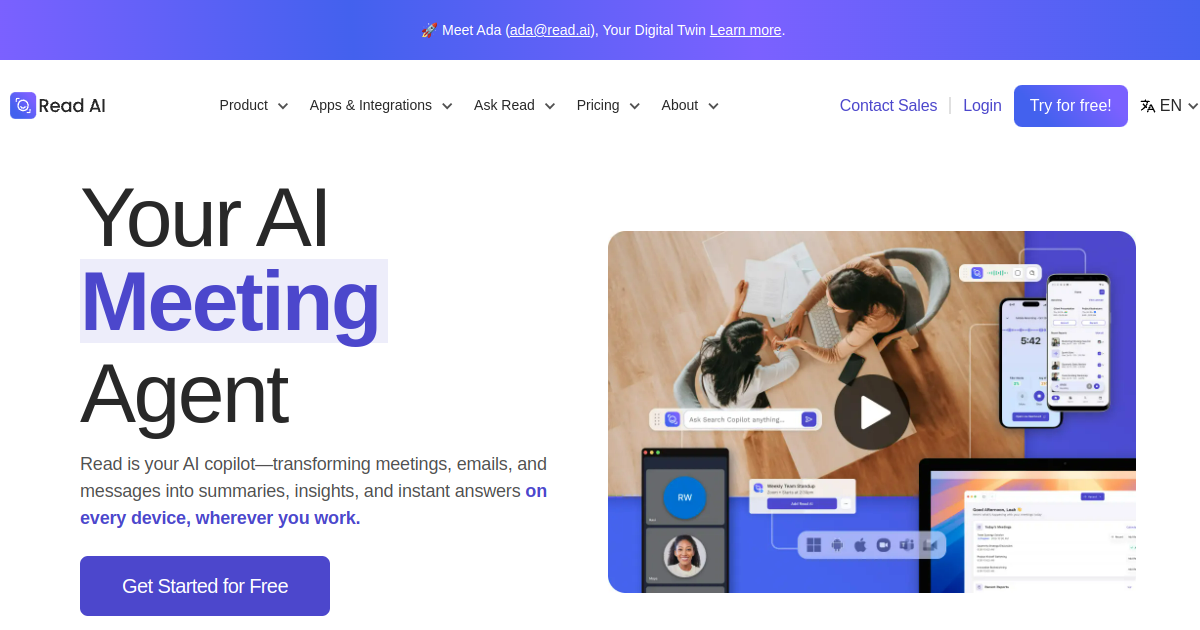
TL;DRRead AI is an AI meeting and productivity assistant that creates meeting reports, transcripts, action items, searchable knowledge, and coaching insights. It connects meeting intelligence with workplace workflows and integrations for understanding conversations and follow-ups.
- Generate meeting reports with summaries, topics, action items, and key questions
- Create transcripts with speaker separation, sentiment, and engagement context
- Search meetings, emails, messages, and knowledge sources with Ask Read
Explore with AI


About
Read AI is an AI meeting and productivity assistant for meeting reports, transcripts, action items, coaching signals, searchable workplace knowledge, and integrations across work conversations. It turns meetings into structured summaries and connects that information with broader team workflows.
For FutureStack users, Read AI is useful when meetings are not just records but operating data for managers, founders, sales teams, support teams, and cross-functional teams. It can help teams understand what happened, what was decided, who owns the next step, and what needs follow-up after a call.
The platform includes meeting reports, transcription, audio or video playback, meeting coach, support for 16+ languages, Ask Read, LLM-backed search, uploads, mobile and desktop apps, workspace controls, recommendations, and integrations with tools like Slack, Salesforce, Jira, and other work systems.
Read AI can be valuable for workplace memory and productivity analytics, but teams should consider meeting-bot expectations, privacy, consent, workspace sharing rules, and licensing before rollout. It is best for teams that want repeatable meeting intelligence, not just occasional notes.
Use Cases
Meeting Intelligence
Generate structured reports, transcripts, summaries, topics, and action items from meetings so teams can follow decisions and next steps.
Sales Conversations
Review customer and sales meetings for important signals, follow-ups, and patterns that can improve sales execution and coaching.
Workplace Search
Search meeting and connected workplace knowledge with AI so teams can recover decisions, context, and information from past conversations.
Team Coaching
Use meeting insights and recommendations to identify conversation patterns and improve communication, management, and team performance.
Key Features
- Generate meeting reports with summaries, topics, action items, and key questions
- Create transcripts with speaker separation, sentiment, and engagement context
- Search meetings, emails, messages, and knowledge sources with Ask Read
- Use workspace controls, integrations, coaching, uploads, and mobile apps
We may earn commissions from links to support our work. Learn more.
Explore with AI
Pricing summary
Read AI offers a free plan with 5 meeting reports per month, while paid plans unlock unlimited meeting reports and transcription, Ask Read, uploads, workspace controls, and enterprise features.
Pricing & Plans
Free
Starter meeting reports for individuals
Free
- 5 meeting reports per month
- 5 transcriptions per month
- Basic summaries
- Mobile and desktop access
Popular
Pro
Unlimited reports for individual users
$15/month
- Unlimited meeting reports
- Unlimited transcription
- Ask Read search
- 100 upload minutes per month
Enterprise
Workspace controls and advanced security
Custom
- Workspace controls
- Premium integrations
- Dedicated support
- Security and compliance features
Other pricing notes
- Read AI pricing is plan and workspace based, and paid users are licensed individually.
- The official page lists a free entry point and advanced paid or enterprise features; users should check current displayed prices.
Pricing last checked: July 2026Official pricing
Pros & Cons
Pros
- Strong meeting reports and searchable workplace memory
- Supports meetings, emails, messages, and broader productivity data
- Useful coaching and recommendation features for teams
- Integrates with Slack, Salesforce, Jira, and other tools
- Free plan lets users test meeting reports before upgrading
Cons
- A visible meeting assistant can be sensitive in some calls
- Advanced workspace controls require paid tiers
- Free plan has limited meeting reports per month
- Teams must buy individual licenses for paid workspace users
- Refund and billing rules should be reviewed before purchase
Frequently Asked Questions
Reviews
Honest feedback from the FutureStack community.
0.00 ratings
No reviews yet. Be the first to share your experience.
Trending Tools on FutureStack
Discover the most popular and hand-picked AI tools across FutureStack










Read AI
Productivity