Otter.ai
What is Otter.ai?
TL;DROtter.ai is an AI meeting assistant that records and transcribes conversations, identifies speakers, generates summaries and action items, and makes meeting knowledge searchable across teams. It supports modern meeting workflows.
- Real-time meeting transcription with automated speaker identification
- AI-generated summaries, key topics, and action item highlights
- Calendar integration to automatically join Zoom, Teams, and Meet calls
Explore with AI


About
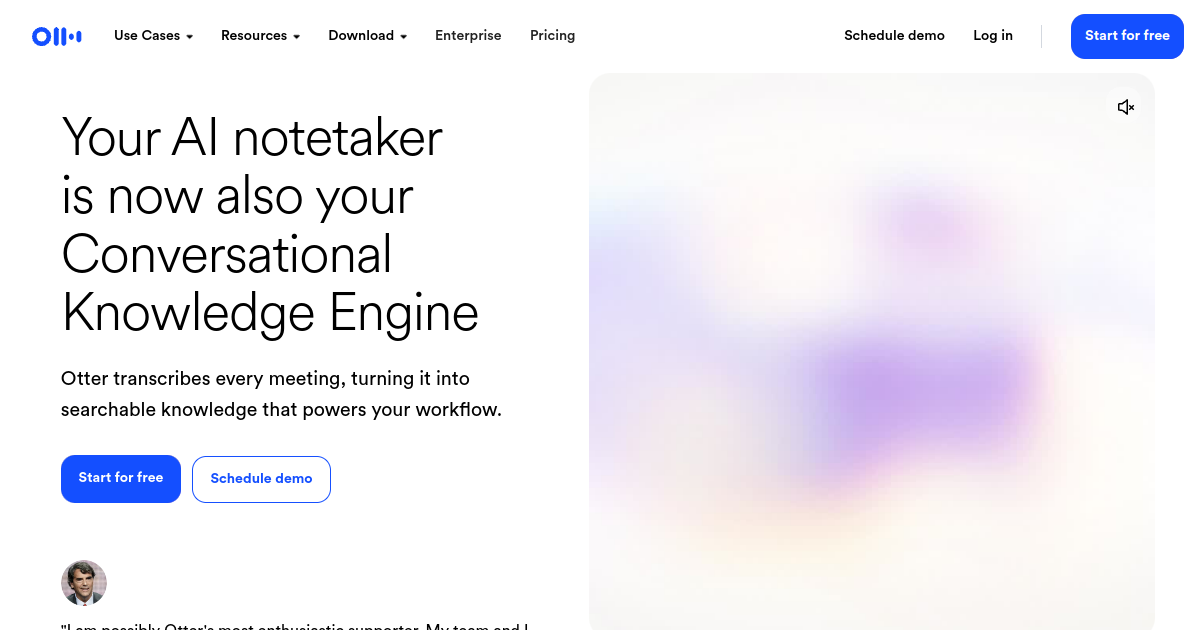
Otter.ai is an AI-powered transcription and meeting assistant designed to capture, summarize, and organize spoken conversations. The platform records meetings, generates real-time transcripts, identifies different speakers, and automatically highlights action items and decisions. It integrates with major conferencing platforms including Zoom, Microsoft Teams, and Google Meet to automate note-taking.
The product is useful for business professionals, journalists, students, and research groups who want to document discussions without manual shorthand. By using Otter.ai, team members can search transcripts for keywords, insert images into notes, share summaries with colleagues, and review key points from missed meetings. It serves as a centralized index for all audio recordings and voice notes.
A main difference is Otter.ai's active meeting integration. The assistant can join calendar invitations automatically, transcription starts as soon as the meeting begins, and summaries are generated immediately after the call ends. Buyers should note that while a basic free plan is available, it limits the total transcription minutes per month and restricts the length of individual conversation files.
For FutureStack, Otter.ai belongs in Productivity because its focus is transcribing calls, organizing notes, and generating meeting summaries to streamline workflows. It is best for professionals, teams, and students looking to automate note-taking and task tracking from voice conversations. It is not for users seeking video editing tools or customer-facing live translation services.
Use Cases
Automate Meeting Notes
Automatically capture meetings in Zoom, Google Meet, and Microsoft Teams with live transcripts, summaries, decisions, and action items.
Search Meeting Knowledge
Search transcripts and connected meeting content by keyword, speaker, or date to quickly recover important information.
Capture Sales Calls
Record customer and sales conversations, surface takeaways, and turn meeting discussions into follow-up tasks and content.
Share Team Insights
Edit, organize, and share meeting notes and summaries across workspaces so teams can stay aligned after calls.
Key Features
- Real-time meeting transcription with automated speaker identification
- AI-generated summaries, key topics, and action item highlights
- Calendar integration to automatically join Zoom, Teams, and Meet calls
- Searchable audio database with playback speed controls
We may earn commissions from links to support our work. Learn more.
Explore with AI
Pricing summary
Otter.ai offers a free Basic plan with 300 minutes of monthly transcription. The Pro plan costs $16.99 per month ($10/month billed annually) and the Business plan costs $30 per user per month ($20/user/month billed annually).
Pricing & Plans
Basic
Free monthly transcription minutes for testing.
Free
- 300 transcription minutes/month
- 30 minutes per meeting
- Live transcription controls
- Basic keyword search
Popular
Pro
For professionals needing longer limits.
$16.99/month
- 1,200 transcription minutes/month
- 90 minutes per meeting
- Import pre-recorded audio files
- Advanced search options
Business
For team collaboration and admin controls.
$30/month
- 6,000 transcription minutes/month
- 4 hours per meeting
- Centralized team billing
- Priority email support
Other pricing notes
- Annual subscriptions are billed as $120/year for Pro and $240/user/year for Business.
- Transcription minutes are consumed based on the duration of meetings recorded.
Pricing last checked: July 2026Official pricing
Pros & Cons
Pros
- Accurate transcription of fast-paced multi-speaker meetings
- Joins meetings automatically to capture notes without manual start
- Searchable text makes finding specific topics in recordings simple
- Saves significant time compared to writing manual meeting summaries
- Good collaboration tools for sharing notes across team workspaces
Cons
- Free plan has restrictive monthly limits on transcription minutes
- Transcription accuracy can drop in noisy environments
- Automatic calendar joining can sometimes join unintended calls
- Requires a paid plan to import pre-recorded audio files
- Support for languages other than English is limited
The Best Otter.ai Alternatives
The best Otter.ai alternatives are ChatGPT, Notion AI, and Superhuman.



Frequently Asked Questions
Reviews
Honest feedback from the FutureStack community.
0.00 ratings
No reviews yet. Be the first to share your experience.
Trending Tools on FutureStack
Discover the most popular and hand-picked AI tools across FutureStack










Otter.ai
Productivity