
Superhuman
What is Superhuman?
TL;DRSuperhuman is an AI productivity suite combining email, writing, documents, and an AI assistant that works across apps, helping individuals and teams communicate, organize work, and automate everyday tasks.
- Combine email, AI writing, collaborative docs, and the Go AI assistant in one productivity suite.
- Use AI across applications and tabs for drafting, rewriting, translation, research, and everyday work assistance.
- Business and Enterprise plans add CRM integrations, automations, analytics, security controls, SSO, and team administration.
Explore with AI


About
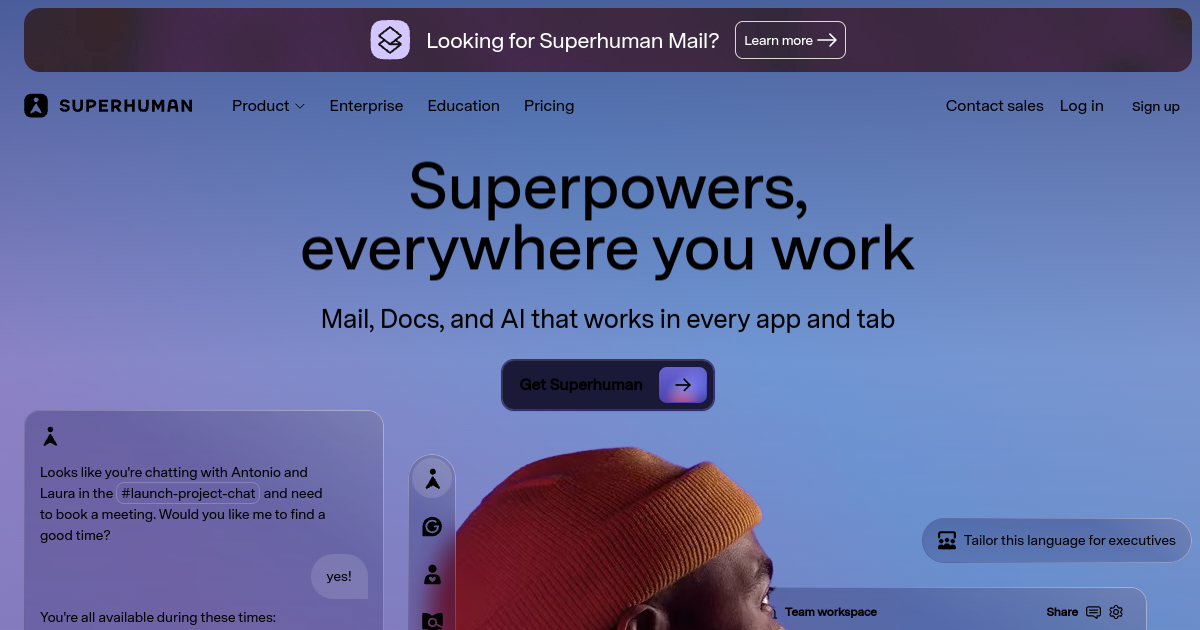
Superhuman is an AI productivity suite that brings together email, writing assistance, collaborative documents, and the Go AI assistant. It is designed to help individuals and teams communicate faster, create documents, organize work, and use AI across the applications and tabs where everyday work happens.
The suite includes Superhuman Mail, Grammarly, Docs, and Go, with capabilities such as AI chat, writing assistance, rewriting, translation, collaborative documents, formulas, automations, and AI prompts. Go is available across web, browser extensions, desktop, and mobile, while Docs supports structured collaboration through tables, charts, Kanban boards, forms, and shared workspaces.
Business users get deeper workflow capabilities, including AI-assisted inbox management, personalized email responses, HubSpot, Salesforce and Pipedrive integrations, document automations, and connections to tools such as Jira, GitHub, and Figma. Enterprise adds analytics, advanced security, SAML SSO, custom roles and permissions, data-loss prevention, BYOK encryption, and dedicated support.
Superhuman is most useful for founders, executives, sales teams, marketers, and knowledge workers who want email and AI productivity tightly integrated rather than spread across separate products. Its main tradeoff is that the suite delivers the most value when users adopt several components; teams seeking only an email client or only an AI writing tool may prefer a more specialized product.
Use Cases
Accelerate Email Work
Draft, rewrite, organize, and respond to important messages with AI while keeping inbox workflows connected to daily work.
Create Team Documents
Build collaborative documents with tables, charts, Kanban boards, forms, AI templates, and shared workspaces.
Automate Business Work
Use AI, automations, and CRM integrations to reduce repetitive sales, customer, and operational tasks.
Work Across Apps
Use the Go assistant across web, extensions, desktop, and mobile to get AI help without constantly switching tools.
Key Features
- AI-powered email and inbox workflows
- AI writing and rewriting across apps
- Collaborative docs with AI features
- Go AI assistant across platforms
We may earn commissions from links to support our work. Learn more.
Explore with AI
Pricing summary
Superhuman suite pricing lists Free at $0, Pro at $12/member/month billed annually, Business at $33/member/month billed annually, and Enterprise custom. FutureStack shows the first three plans.
Pricing & Plans
Free
Try the Superhuman suite with free AI writing and docs features.
Free
- Grammarly
- Docs
- Go
- AI writing
Popular
Pro
Proactive AI productivity for individuals and teams.
$12/month
- $12/member/month annually
- AI across apps
- Docs workflows
- Writing assistance
Business
Advanced Superhuman suite and mail workflows for teams.
$33/month
- $33/member/month annually
- Auto Drafts
- Ask AI
- CRM integrations
Other pricing notes
- Superhuman Mail plan names and suite plan names should be compared before buying.
- Enterprise is custom and omitted from cards due the FutureStack three-plan limit.
Pricing last checked: July 2026Official pricing
Pros & Cons
Pros
- Combines email, docs, writing, and AI
- AI works across multiple work contexts
- Strong email productivity workflows
- Useful collaboration capabilities
- Business tier adds CRM integrations
Cons
- Suite pricing is higher than single-purpose tools
- Advanced features require paid plans
- Free AI access is limited
- Enterprise features require sales
- Best value depends on adopting multiple products
The Best Superhuman Alternatives
The best Superhuman alternatives are ChatGPT, Notion AI, and Studiovity.



Frequently Asked Questions
Reviews
Honest feedback from the FutureStack community.
0.00 ratings
No reviews yet. Be the first to share your experience.
Trending Tools on FutureStack
Discover the most popular and hand-picked AI tools across FutureStack










Superhuman
Productivity