Descript
What is Descript?
TL;DRDescript is a collaborative audio and video editor that combines transcription, text-based editing, recording, captions, AI cleanup, clips, translation, and publishing in one workflow for creators and teams.
- Transcript-based video and audio editing interface
- One-click filler word removal to delete ums and uhs
- Overdub voice cloning tool to correct verbal mistakes
Explore with AI


About
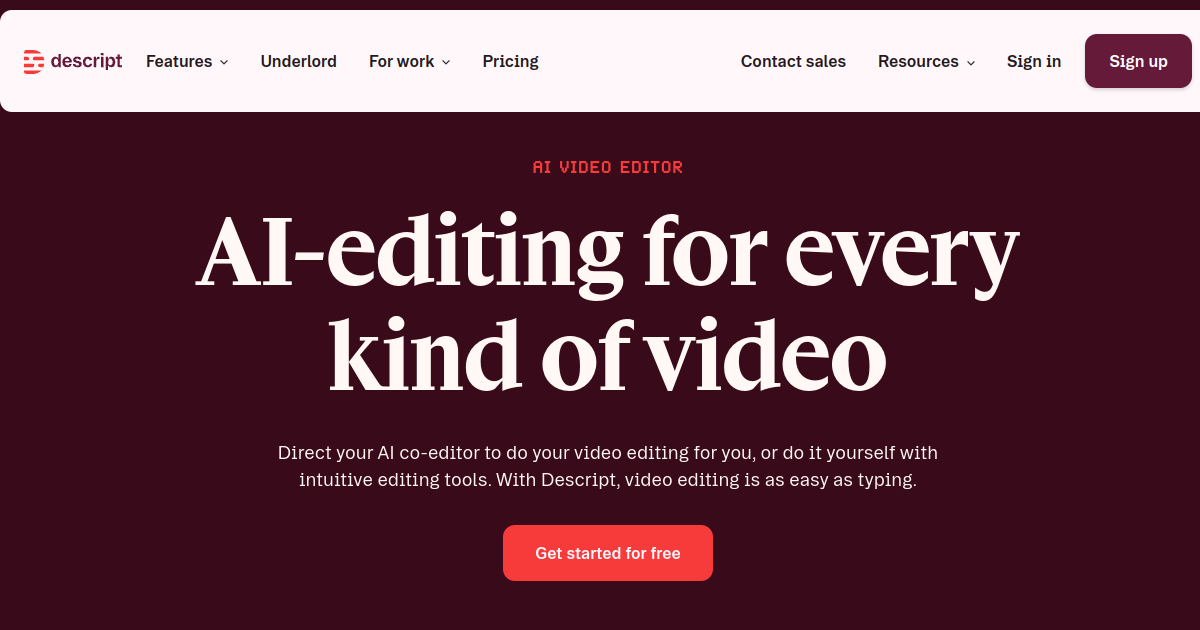
Descript is an AI-powered video and audio editing platform designed to simplify content creation by treating media files like text documents. The platform automatically transcribes uploaded video and audio, allowing users to edit the media simply by editing the text transcript. It acts as an intuitive editing suite that combines transcription, screen recording, and post-production.
The product is useful for podcasters, corporate communication teams, marketers, and video creators who want a faster editing workflow. By using Descript, editors can delete filler words like "um" and "uh" with a single click, correct verbal mistakes using AI-cloned voices, capture screen recordings, and add templates. It replaces traditional manual timeline slicing for talking-head video editing.
A main difference is Descript's text-to-video editing concept. Instead of manually cutting waveforms, users delete words in the transcript, and the corresponding video frames are automatically trimmed. It also features Overdub, a voice cloning tool that lets users type new text to generate synthetic corrections. Buyers should note that free plans are limited to 1 hour of transcription.
For FutureStack, Descript belongs in Video because its primary purpose is video editing, transcription, and post-production. It is best for podcasters, marketers, and content creators looking for transcript-based video and audio editing tools. It is not for filmmakers requiring advanced 3D visual effects or complex multi-camera color grading.
Use Cases
Text-based Video Editing
Edit video by changing the transcript, cutting words, and rearranging scenes like a document.
Podcast Production
Record, transcribe, clean audio, edit conversations, and publish podcast content from one workspace.
Social Video Repurposing
Turn long recordings into clips, captions, translated versions, and platform-ready content.
Remote Recording
Record interviews and collaborative sessions remotely, then edit and publish the resulting media.
Key Features
- Transcript-based video and audio editing interface
- One-click filler word removal to delete ums and uhs
- Overdub voice cloning tool to correct verbal mistakes
- Built-in screen recorder and multi-track audio editing
We may earn commissions from links to support our work. Learn more.
Explore with AI
Pricing summary
Descript offers a free plan with 1 transcription hour per month. Paid plans include the Hobbyist tier at $15 per month ($12/month billed annually) and the Creator tier at $24 per month ($19/month billed annually).
Pricing & Plans
Free
Basic transcript editing for testing workflows.
Free
- 1 transcription hour/month
- 720p video exports
- Basic voice cloning
- No watermarks
Popular
Hobbyist
Perfect for individual podcasters and creators.
$15/month
- 10 transcription hours/month
- 1080p video exports
- Full Overdub access
- Standard support access
Creator
For professional content creation teams.
$24/month
- 30 transcription hours/month
- 4K video exports
- Advanced video templates
- Priority queue processing
Other pricing notes
- Annual subscriptions are billed as $144/year for Hobbyist and $228/year for Creator.
- Transcription credits are consumed per hour of imported source footage.
Pricing last checked: July 2026Official pricing
Pros & Cons
Pros
- Slices editing time down by editing text instead of waveforms
- Highly accurate auto-transcription supporting multiple speakers
- Overdub voice cloning is extremely useful for correcting mistakes
- Saves time on podcast editing and talking-head videos
- Distraction-free interface with template layouts
Cons
- Requires a robust internet connection for cloud processing
- Voice cloning setup requires recording specific voice samples
- Transcription accuracy can drop in low-quality audio
- Hobbyist plan has transcription hour limits
- Not a replacement for advanced cinematic editors


Frequently Asked Questions
Reviews
Honest feedback from the FutureStack community.
0.00 ratings
No reviews yet. Be the first to share your experience.
Trending Tools on FutureStack
Discover the most popular and hand-picked AI tools across FutureStack










Descript
Video