
Synthesia
What is Synthesia?
TL;DRSynthesia is an AI video creation platform for producing training, marketing, sales, onboarding, and business videos with AI avatars, voices, dubbing, templates, collaboration, and API capabilities at scale.
- Create business videos with AI avatars, voices, templates, and multilingual production workflows.
- Use AI dubbing and more than 160 languages and voices to localize training, sales, and communications content.
- Scale production with brand controls, collaboration, APIs, custom avatars, analytics, and enterprise administration.
Explore with AI


About
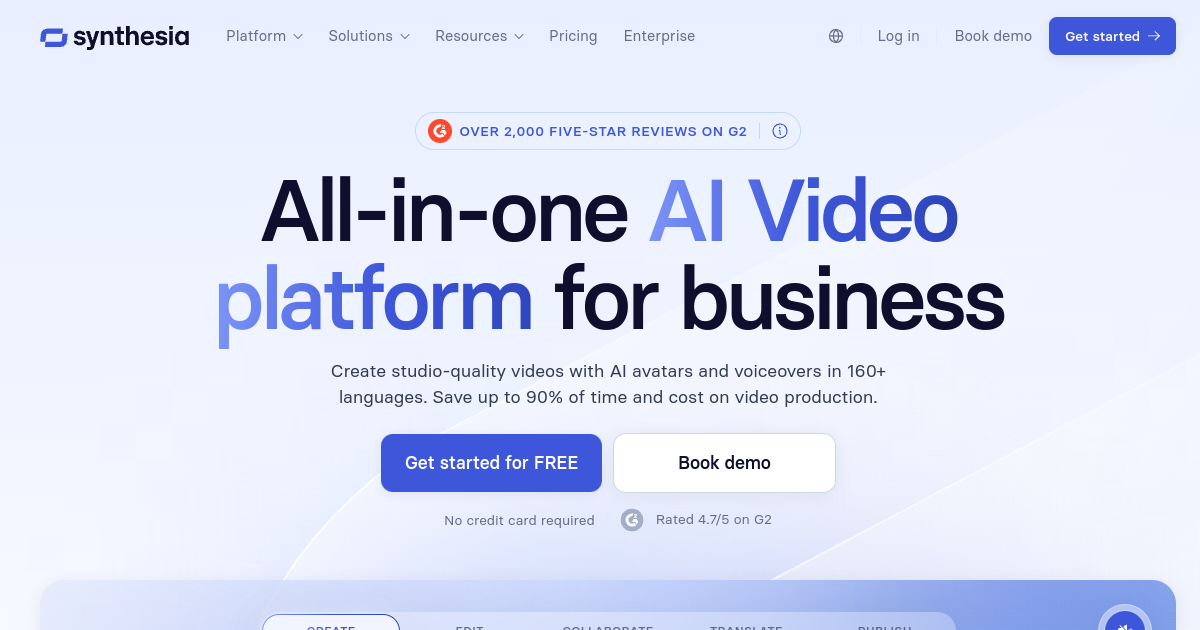
Synthesia is an AI video creation platform for businesses that need to produce training, sales, marketing, onboarding, communications, and other professional videos at scale. It uses AI avatars, voices, templates, and editing tools to turn scripts and business content into videos without requiring a traditional camera production workflow.
The platform supports AI avatars, personal and custom avatars, voice generation, AI dubbing, screen recording, templates, and more than 160 languages and voices. Its credit system covers AI usage across self-serve plans, making it possible to manage video generation, dubbing, and other AI-powered features from a shared usage balance.
Teams can use Synthesia for employee training, product explainers, sales enablement, customer education, localization, and internal communications. Higher plans add more minutes, avatars, guests, brand controls, API access, collaboration, analytics, and enterprise capabilities such as SSO, shared workspaces, SCORM export, and dedicated support.
Synthesia is strongest for organizations producing recurring business video rather than creators seeking cinematic filmmaking tools. Its main tradeoffs are credit-based usage, avatar-style output that may not fit every creative project, and higher pricing for larger teams and advanced enterprise requirements.
Use Cases
Create Training Videos
Turn procedures, lessons, and internal documentation into consistent training videos with AI presenters and multilingual voices.
Localize Business Video
Translate and dub videos into many languages while maintaining consistent presenters and business messaging.
Scale Sales Content
Create product explainers, sales enablement, customer education, and personalized business videos without traditional filming.
Produce Internal Updates
Create recurring company communications, onboarding content, and knowledge videos with reusable avatars and templates.
Key Features
- AI avatar and voice video generation
- 160+ languages and voices
- AI dubbing and localization
- Custom and personal AI avatars
We may earn commissions from links to support our work. Learn more.
Explore with AI
Pricing summary
Synthesia offers a free trial-style entry point plus paid creator and business plans. Pricing is based around video creation capacity, credits, avatars, branding, and team needs.
Pricing & Plans
Free
Try AI video creation
Free
- Try Synthesia workflow
- Create limited videos
- Explore avatars and templates
- Good for evaluation
Popular
Starter
For individual video creators
$29/month
- Monthly video credits
- AI avatars and voices
- Branding and basic editing
- Useful for regular videos
Creator
More creation room for teams
$89/month
- More video credits
- More advanced creation features
- Better for business content
- Useful for repeated training videos
Other pricing notes
- Plan names, credits, and included video capacity may vary by billing term and region.
- Enterprise pricing is custom and aimed at larger business video programs.
Pricing last checked: July 2026Official pricing
Pros & Cons
Pros
- Strong fit for business video at scale
- Large avatar and language selection
- Useful dubbing and localization tools
- Enterprise collaboration and brand controls
- API supports production workflows
Cons
- Credit-based usage requires planning
- Avatar style does not fit every creative project
- Advanced features require higher plans
- Enterprise pricing is custom
- Generated content still needs review

Frequently Asked Questions
Reviews
Honest feedback from the FutureStack community.
0.00 ratings
No reviews yet. Be the first to share your experience.
Trending Tools on FutureStack
Discover the most popular and hand-picked AI tools across FutureStack










Synthesia
Video