Mistral Vibe
What is Mistral Vibe?
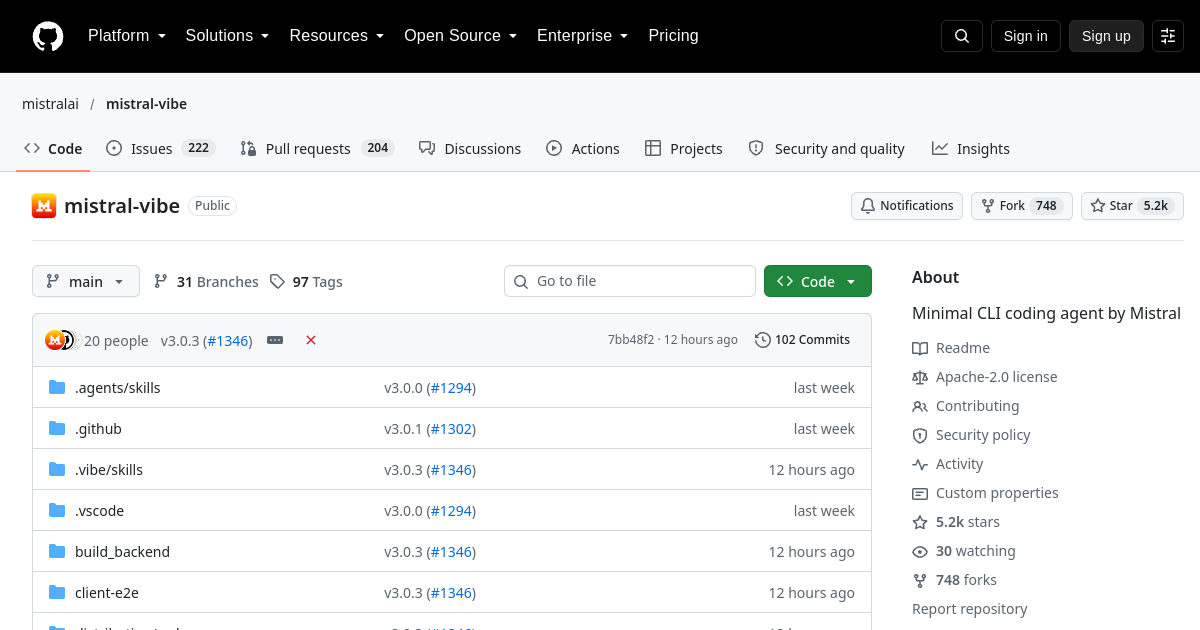
TL;DRMistral Vibe is an open-source command-line coding assistant developed by Mistral AI. Designed for terminal-first developers, it provides an agentic CLI environment for inspecting repositories, executing multi-file code edits, and running shell tests.
- Terminal-native coding agent for multi-file edits and git operations
- Native integration with Mistral API and local inference engines
- Built-in Model Context Protocol (MCP) support for tool extension
Explore with AI


About
Mistral Vibe is an open-source command-line coding assistant developed by Mistral AI. Designed for terminal-first developers, it provides an agentic CLI environment for inspecting repositories, executing multi-file code edits, and running shell tests.
Engineers use Mistral Vibe to automate terminal workflows, refactor legacy functions, and debug backend services. Powered by Mistral's open-weight reasoning models, it offers low-latency terminal execution while supporting local model setups via Ollama or vLLM.
For FutureStack, Mistral Vibe belongs in Coding because it focuses directly on command-line software engineering and automated terminal coding. It is best for backend developers, DevOps engineers, and open-source maintainers.
Use Cases
Multi-agent Task Delegation
Coordinate specialized AI agents to execute complex multi-step workflows in parallel.
Multi-file Codebase Refactoring
Terminal-native coding agent for multi-file edits and git operations.
Key Features
- Terminal-native coding agent for multi-file edits and git operations
- Native integration with Mistral API and local inference engines
- Built-in Model Context Protocol (MCP) support for tool extension
- Interactive human approval for terminal execution and file writes
We may earn commissions from links to support our work. Learn more.
Explore with AI
Pricing summary
Mistral Vibe is a free, open-source CLI tool. Users supply API keys or run local models, paying underlying providers directly for token usage.
Pricing & Plans
Popular
Open Source
Free command-line tool for local and cloud models.
Free
- Full CLI access
- Local model support
- MCP tool support
- Community updates
BYOK API
Connect Mistral API or custom cloud endpoints.
Free
- Mistral API access
- Custom endpoints
- High-context queries
- Direct model payment
Self-Hosted
Air-gapped deployment in private developer infrastructure.
Free
- Air-gapped execution
- Private repository focus
- Custom configuration
- Open-source control
Other pricing notes
- Pricing checked on 2026-07-31 from the official repository documentation.
- The CLI application code is 100% free and open-source.
- Local model execution requires no API fees; cloud endpoints charge per token.
Pricing last checked: July 2026Official pricing
Pros & Cons
Pros
- Fast CLI execution with low system resource overhead
- Supports both cloud API endpoints and 100% local offline models
- Open-source application code with transparent security controls
- Handles complex git commands and repository refactoring
- Extensible via standard Model Context Protocol plugins
Cons
- Terminal-only interface without visual GUI components
- Requires developer setup for local model server connection
- API token charges apply when connecting to commercial endpoints
- Large context queries require high VRAM hardware for local models
- Active development stage with evolving feature releases
The Best Mistral Vibe Alternatives
The best Mistral Vibe alternatives are Bolt.new, Devin, and ZCode.

Frequently Asked Questions
Reviews
Honest feedback from the FutureStack community.
0.00 ratings
No reviews yet. Be the first to share your experience.
Trending Tools on FutureStack
Discover the most popular and hand-picked AI tools across FutureStack










Mistral Vibe
Coding