Veo 3.1
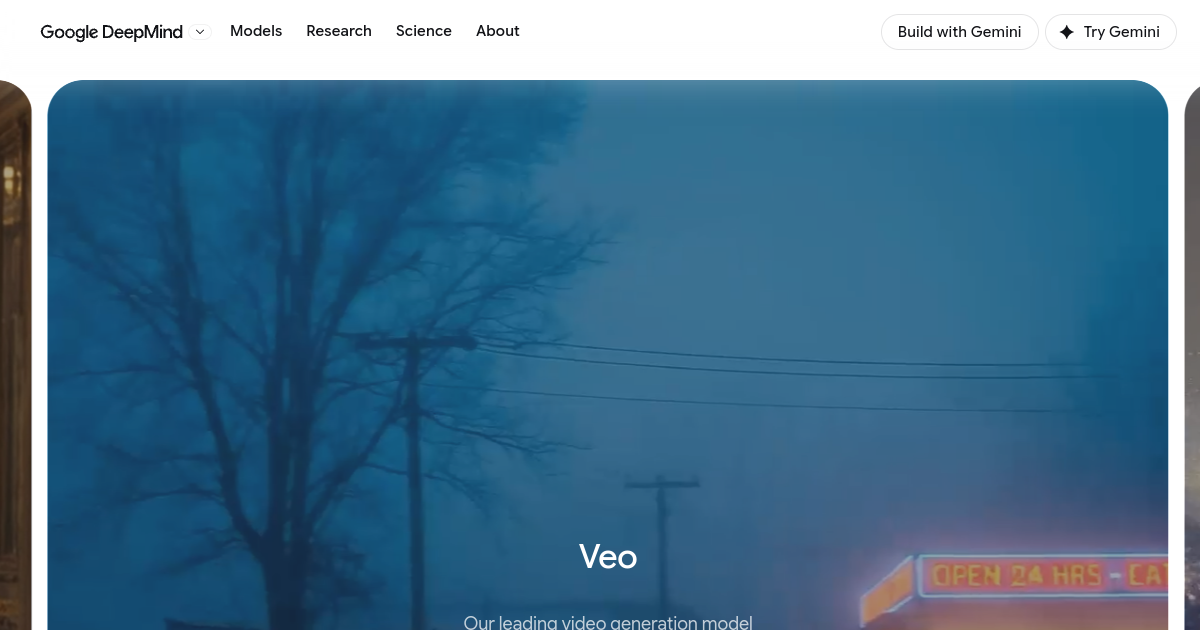
What is Veo 3.1?
TL;DRGoogle's advanced AI video model generating cinematic 4K video and audio. It helps modern teams and builders streamline video workflows with practical AI capabilities, integrations, and repeatable automation for everyday work.
- High-fidelity video generation supporting resolutions up to four-K
- Native audio synthesis generating synchronized dialogue and ambient tracks
- Advanced cinematic controls guiding camera framing and model motion
Explore with AI


About
Veo 3.1 is a video generation model from Google DeepMind designed to create high-quality video from text and image-based instructions. Its feature set emphasizes cinematic generation, reference control, and synchronized audio for creative and developer workflows.
The model is available through Google's AI ecosystem, including developer access through the Gemini API and Google Cloud. Different variants provide different balances of speed, quality, and cost, allowing developers to choose an appropriate generation path.
A major differentiator is native audio generation combined with reference-driven video creation. Supported variants can generate dialogue, sound effects, and ambient audio alongside visuals, reducing the need for a separate audio stage in some workflows.
For FutureStack, Veo 3.1 belongs in Video because its primary capability is generative video production. It is best for professional creators, marketers, developers, and teams building AI media workflows. API pricing is usage-based and varies by model variant and resolution.
Use Cases
Create Video Content
Generate and refine video assets for marketing, social media, storytelling, and creative production workflows.
Creative Prototyping
Explore scenes, characters, motion, camera ideas, and visual concepts before full production.
Social Video Production
Create short-form clips and campaign assets for recurring social publishing and audience engagement.
AI Media Workflows
Combine generation, editing, audio, and creative automation into repeatable production workflows.
Key Features
- High-fidelity video generation supporting resolutions up to four-K
- Native audio synthesis generating synchronized dialogue and ambient tracks
- Advanced cinematic controls guiding camera framing and model motion
- Vertex AI and Gemini API endpoints supporting developer integrations
We may earn commissions from links to support our work. Learn more.
Explore with AI
Pricing summary
Veo 3.1 developer access is usage-based. Current Gemini API pricing lists Lite from $0.05 per second, Fast from $0.10 per second, and Standard from $0.40 per second at 720p and 1080p, with higher rates for some 4K output.
Pricing & Plans
Google AI Plus
Starter subscription for creative platform access.
$7.99/month
- Limited generation limits
- Access to Fast model tier
- Standard resolution exports
- Google platform support
Popular
Google AI Pro
Advanced limits for active video creators.
$19.99/month
- Higher generation limits
- Access to Standard model tier
- Full aspect ratio options
- Priority email support
Google AI Ultra
Professional scale and high-volume allocations.
$249.99/month
- Large monthly credit allowance
- Access to 4K quality outputs
- Dedicated account manager
- Priority rendering queue
Other pricing notes
- Veo 3.1 API pricing is billed by generated video seconds.
- Current rates vary by model variant and resolution.
Pricing last checked: August 2026Official pricing
Pros & Cons
Pros
- Outputs synchronized sound effects and dialogue directly with video
- Three variant tiers (Lite, Fast, Standard) optimize speed and cost
- Robust enterprise integration support via Google Cloud Vertex AI
- Supports standard widescreen and vertical aspect ratio layouts
- Free trial credits are available via Google AI Studio sandbox
Cons
- Standard quality API rendering is expensive at up to forty cents per second
- Video length is limited to short four, six, or eight second clips
- Requires Google Cloud account setup to utilize developer endpoints
- Lite and Fast tiers have lower visual fidelity compared to Standard
- Not designed for real-time video rendering applications
The Best Veo 3.1 Alternatives
The best Veo 3.1 alternatives are Seedance 2.5, Kling 3.0, and Runway.

Frequently Asked Questions
Reviews
Honest feedback from the FutureStack community.
0.00 ratings
No reviews yet. Be the first to share your experience.
Trending Tools on FutureStack
Discover the most popular and hand-picked AI tools across FutureStack










Veo 3.1
Video