
GitHub Copilot
What is GitHub Copilot?
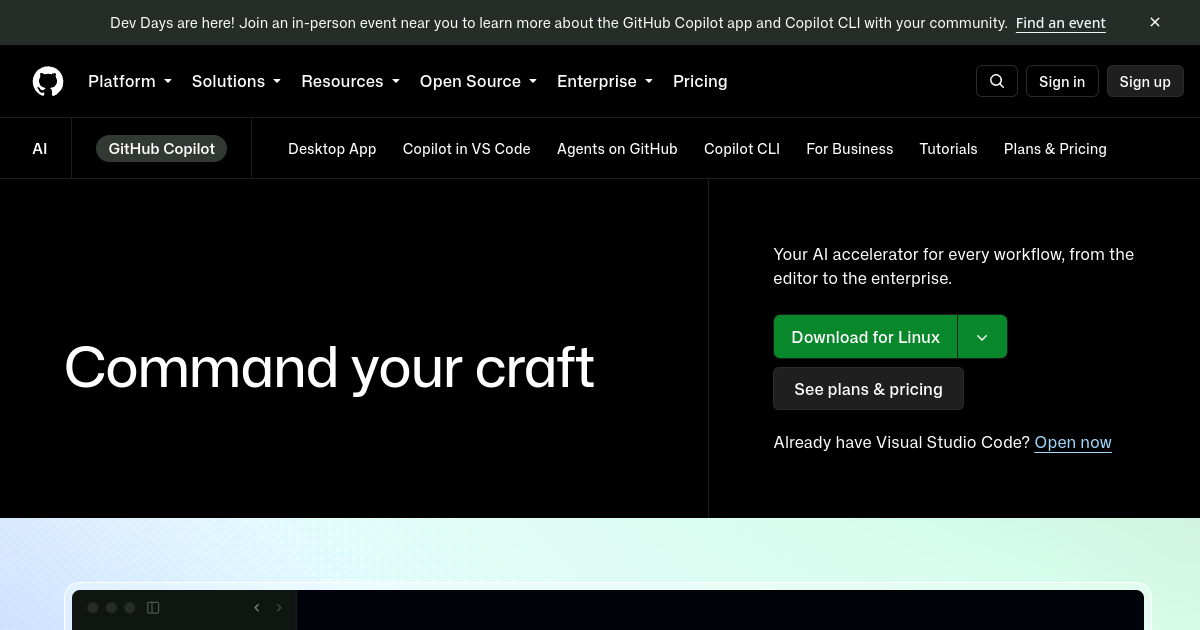
TL;DRGitHub Copilot is an AI coding assistant integrated with GitHub and popular development environments. It supports code completion, chat, code edits, review, CLI assistance, and agentic workflows for implementation, debugging, refactoring, testing, and repository work.
- AI code completion and chat
- Agentic coding workflows
- Code review and pull request assistance
Explore with AI


About
GitHub Copilot is GitHub AI coding assistance for code completion, chat, code review, pull request help, CLI assistance, and agentic development workflows. It works inside popular editors and connects naturally with GitHub repositories, issues, pull requests, and engineering workflows.
For founders and builders, Copilot can accelerate feature implementation, debugging, refactoring, tests, documentation, code explanation, and repository work. It is useful for individual developers as well as teams that want AI assistance inside an existing GitHub-centered development process.
GitHub offers multiple individual and organization plans. Higher tiers provide larger AI usage allowances, broader model access, organization controls, policy management, enterprise security, and deeper GitHub integration. AI features such as chat, CLI, agents, and code review consume usage allowances while traditional code completion remains included on paid plans.
The main tradeoff is that Copilot is strongest when your workflow already lives in GitHub and supported IDEs. Teams should monitor AI usage, model selection, permissions, and billing as agentic capabilities become a larger part of development.
Use Cases
Implement features faster
Use Copilot to generate code, edit files, explain repositories, and accelerate routine implementation work.
Debug and refactor code
Ask Copilot to identify issues, propose fixes, refactor code, and explain unfamiliar sections.
Automate repository tasks
Use agent and CLI workflows for multi-step development tasks across files and GitHub projects.
Improve pull requests
Generate tests, review changes, explain diffs, and support code review workflows.
Key Features
- AI code completion and chat
- Agentic coding workflows
- Code review and pull request assistance
- CLI and GitHub-native development support
We may earn commissions from links to support our work. Learn more.
Explore with AI
Pricing summary
GitHub Copilot offers Free, Pro, Pro+, Max, Business, and Enterprise. Current published prices include Pro $10/month, Pro+ $39/month, Max $100/month, Business $19/user/month, and Enterprise $39/user/month.
Pricing & Plans
Free
Limited Copilot access
Free
- Limited AI coding assistance
- Code completion and chat support
- Good for trying Copilot individually
- Not intended for managed organization users
Popular
Pro
Individual developer plan
$10/month
- Higher individual usage than Free
- Code completion and chat assistance
- Access to broader Copilot workflows
- Good for freelancers and individual developers
Business
Organization plan
$19/month
- Per-seat organization billing
- Policy and license management
- Included AI credits per user
- Built for teams using GitHub
Other pricing notes
- AI credits are used by chat, agents, CLI, Spaces, code review, and other premium interactions.
- Organization pricing and included credits can change, so teams should confirm current billing terms.
Pricing last checked: August 2026Official pricing
Pros & Cons
Pros
- Deep GitHub integration
- Works across popular IDEs
- Strong coding assistance
- Supports agent workflows
- Free tier available
Cons
- Advanced usage can consume credits quickly
- Best value depends on GitHub-centered workflows
- Model choice can affect usage cost
- Enterprise controls require higher tiers
- AI suggestions still need review
The Best GitHub Copilot Alternatives
The best GitHub Copilot alternatives are Cursor, Replit AI, and Windsurf.

Frequently Asked Questions
Reviews
Honest feedback from the FutureStack community.
0.00 ratings
No reviews yet. Be the first to share your experience.
Trending Tools on FutureStack
Discover the most popular and hand-picked AI tools across FutureStack










GitHub Copilot
Coding