
Figma AI
What is Figma AI?
TL;DRFigma AI is a collection of AI features across Figma products that helps designers generate and edit visuals, prototype ideas, rewrite content, find assets, and automate repetitive design work inside collaborative design workflows.
- Prompt-based UI layout generation and wireframing
- Automatic layer renaming and folder organization tools
- In-canvas text generation and copy translation
Explore with AI


About
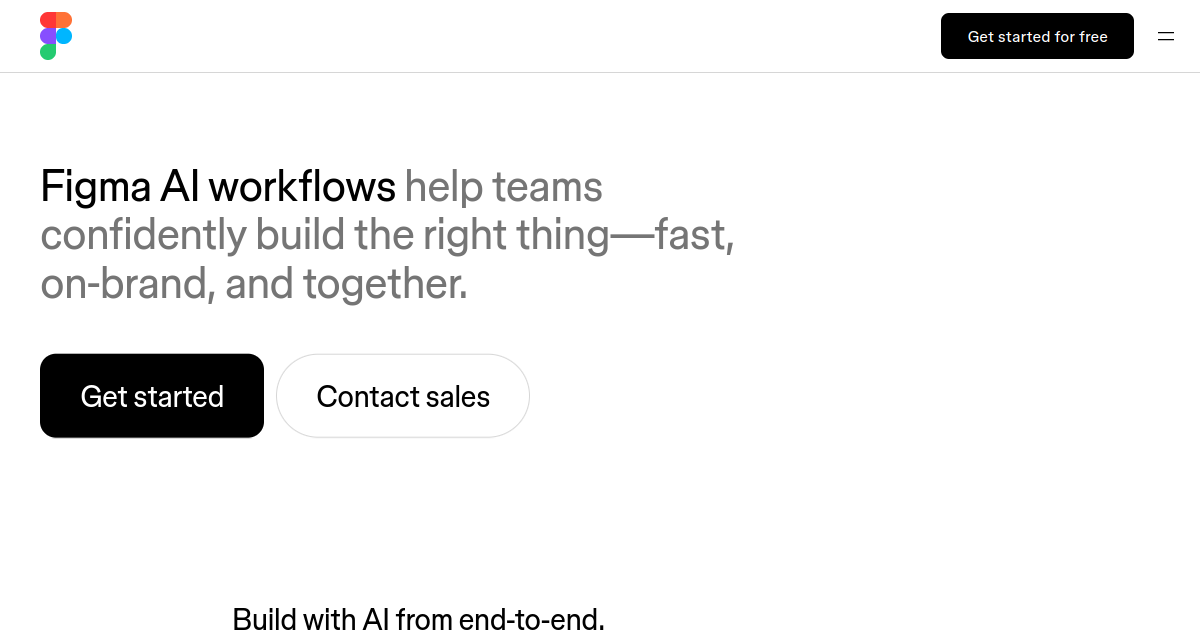
Figma AI is a set of intelligent features integrated directly into Figma's design platform. It helps designers draft initial UI layouts, generate placeholder text and copy, rename layers automatically, and perform rapid image edits like background removal. The suite is designed to automate repetitive design tasks, allowing creators to focus on high-level UX architecture and creative details.
The product is useful for product designers, UX researchers, copywriters, and product managers who use Figma daily. Users can prompt the AI to generate a wireframe, quickly translate copy into different languages, search for specific components using visual queries, and clean up messy file structures. It acts as an assistant within the canvas to accelerate the design-to-prototype pipeline.
The main difference is that Figma AI is not a standalone tool, but rather an embedded capability within Figma's workspace. Access is tied to Figma's seat-based plans and utilizes a shared credit system across features like image editing and prototype drafting. Buyers should note that while some features are available in beta, full access requires a paid Figma seat, and additional usage is subject to credit limits.
For FutureStack, Figma AI belongs in Design because it is built to assist with user interface layouts, prototyping, and graphic asset editing. It is best for designers and product teams looking to speed up wireframing, layer management, and asset generation within their existing Figma workspace. It is not for users who want to host or deploy live websites directly from designs.
Use Cases
Visual Generation
Generate or edit images and visual assets directly inside Figma using natural-language prompts.
Prototype Creation
Turn design ideas into interactive prototypes faster with Figma Make and AI-assisted workflows.
Design Automation
Automate layer naming, text rewriting, translation, background removal, and other repetitive tasks.
FigJam Ideation
Generate, sort, summarize, and organize ideas and feedback during collaborative workshops.
Key Features
- Prompt-based UI layout generation and wireframing
- Automatic layer renaming and folder organization tools
- In-canvas text generation and copy translation
- Smart image editing including background removal and cropping
We may earn commissions from links to support our work. Learn more.
Explore with AI
Pricing summary
Figma AI is integrated into Figma's plans. The Professional tier is $15 per month ($12/month billed annually) and Organization is $45 per user per month. AI credit overages are priced at approximately $0.03 per credit.
Pricing & Plans
Starter / Free
Basic Figma access with trial AI credits.
Free
- Basic editor access
- Trial AI credits
- Collaborative files
- Standard components
Popular
Professional
Core design tools for professional designers.
$15/month
- $12/month if billed annually
- Higher monthly AI credits
- Shared library assets
- Advanced prototyping
Organization
Team governance and advanced design libraries.
$45/month
- Billed annually only
- Team AI credit pools
- Design system analytics
- Centralized administration
Other pricing notes
- AI credits are allocated per seat monthly and do not roll over to the next month.
- Figma AI features are subject to availability depending on organizational settings.
Pricing last checked: July 2026Official pricing
Pros & Cons
Pros
- Saves time on repetitive layout drafting and cleanup tasks
- Fully integrated into the design tool; no extensions needed
- Helpful for generating realistic placeholder copy quickly
- Improves file hygiene through automated layer organization
- Visual search makes finding reusable library components easy
Cons
- Not available as a standalone product; requires Figma
- Requires a paid Figma seat for advanced AI access
- Generated layouts are initial drafts and need manual polish
- Credit limits are applied to advanced generation features
- Output quality depends on the complexity of the prompt
The Best Figma AI Alternatives
The best Figma AI alternatives are Canva AI, Adobe Firefly, and Gamma.



Frequently Asked Questions
Reviews
Honest feedback from the FutureStack community.
0.00 ratings
No reviews yet. Be the first to share your experience.
Trending Tools on FutureStack
Discover the most popular and hand-picked AI tools across FutureStack










Figma AI
Design