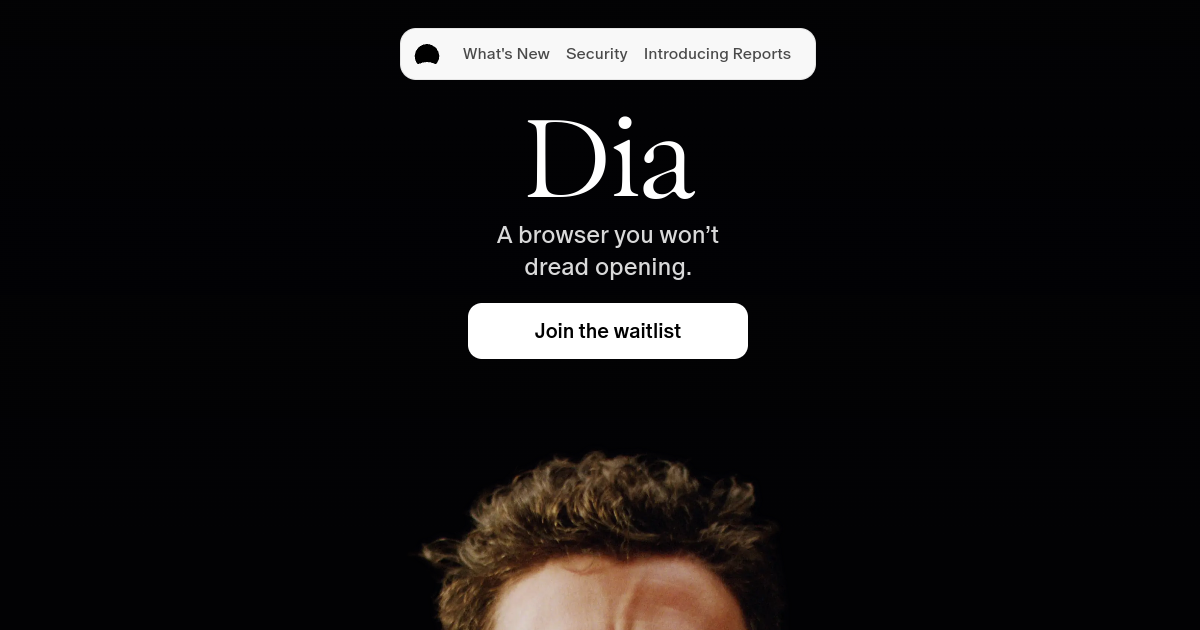
What is Dia?
TL;DRDia is an AI web browser from The Browser Company that brings contextual chat and assistance into the browsing experience. It can work with pages, tabs, connected tools, and browser context to support research and everyday work.
- Chat with current pages, tabs, and selected text
- AI assistance inside the browser experience
- Context-aware answers from browsing history
Explore with AI


About
Dia is an AI web browser from The Browser Company that brings chat and contextual assistance into the browsing experience. Instead of treating AI as a separate app, Dia is built around asking questions about the page, selected text, open tabs, and browsing context.
Users can use Dia to summarize articles, ask follow-up questions about pages, compare information across tabs, draft text from browser context, and reduce the need to copy content into a separate assistant. It is most useful for personal research, learning, writing, and everyday browsing workflows.
The main difference is its browser-first interface. Dia is not just a chatbot with a web search box, but users should still review privacy settings, data handling terms, and any usage limits before relying on it for sensitive work or confidential business research.
For FutureStack, Dia belongs in Productivity because it helps people work faster inside the browser. It is best for browser-context chat, page summaries, and personal research, not for users who need a self-hosted agent platform or a classic enterprise knowledge base.
Use Cases
Browser Research
Ask questions about pages and tabs, summarize information, and continue research without constantly switching to another AI app.
Contextual Writing
Draft and refine text using information from the current browsing context, connected tools, and documents.
Workday Briefings
Use connected work context for daily briefings, meeting preparation, recaps, and follow-up tasks.
Cross-Tool Assistance
Work with context from supported email, calendar, GitHub, Notion, and other services while staying in the browser.
Key Features
- Chat with current pages, tabs, and selected text
- AI assistance inside the browser experience
- Context-aware answers from browsing history
- Help center and browser-focused support resources
We may earn commissions from links to support our work. Learn more.
Explore with AI
Pricing summary
Dia is available as an AI browser, but public fixed pricing was not clearly listed on the official site during review. The official terms say users will be notified before free features begin carrying a fee.
Pricing & Plans
Free Browser
Download and test Dia with available browser features.
Free
- AI browser download
- Page and tab context
- Basic browser workflows
- Good for personal testing
Popular
Dia Pro
Paid access if the product exposes a Pro subscription.
Custom
- Higher AI usage
- More frequent AI assistance
- Browser-context chat
- Future paid features
Future / Team
Potential plan for heavier or team-oriented usage.
Custom
- Team needs to verify availability
- Usage terms may change
- Privacy controls should be reviewed
- Best checked on live site
Other pricing notes
- Official terms state that users of a free version will be notified before features begin carrying a fee.
- Users should verify live plan access, AI usage limits, privacy settings, and paid feature rules before relying on it.
Pricing last checked: July 2026Official pricing
Pros & Cons
Pros
- Good fit for users who want AI inside daily browsing
- Can reduce tab switching during research sessions
- Useful for summarizing pages and selected text
- Built by The Browser Company team behind Arc
- Simple positioning for personal productivity workflows
Cons
- Not a full enterprise research or automation platform
- Pricing details can change as the product matures
- AI browser privacy settings should be reviewed carefully
- Advanced workflows may depend on future paid features
- Currently best for personal browsing rather than complex teams
The Best Dia Alternatives
The best Dia alternatives are Manus, ChatGPT, and Perplexity AI.


Frequently Asked Questions
Reviews
Honest feedback from the FutureStack community.
0.00 ratings
No reviews yet. Be the first to share your experience.
Trending Tools on FutureStack
Discover the most popular and hand-picked AI tools across FutureStack










Dia
Productivity