Cline
What is Cline?
TL;DRCline is an open-source autonomous coding agent for VS Code that can inspect code, edit files, run terminal commands with approval, browse web interfaces, and work across multi-step development tasks.
- Autonomous VS Code extension that edits code and executes terminal commands
- Built-in browser automation for testing web user interfaces
- Human-in-the-loop approval mechanism for terminal and file actions
Explore with AI


About
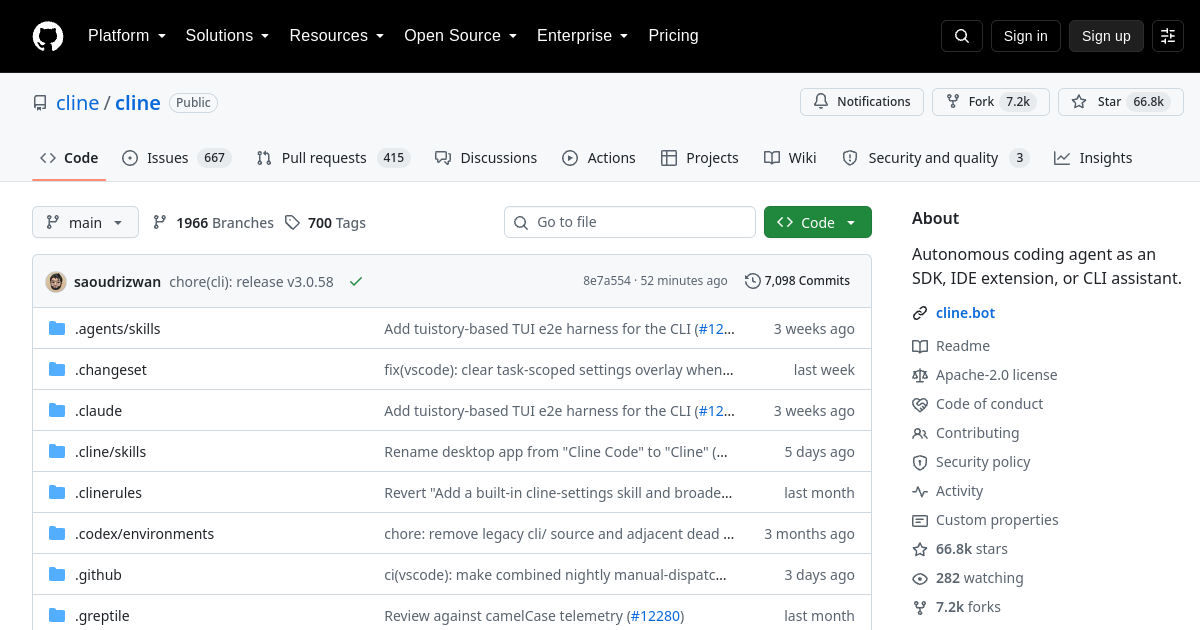
Cline (formerly Claude Dev) is an open-source autonomous coding assistant that operates directly inside Visual Studio Code. Designed to act as a human-supervised AI developer, Cline can inspect project directories, write code across multiple files, run terminal commands, and use a browser to verify web interfaces.
Developers use Cline to handle end-to-end development tasks, from implementing new API endpoints to debugging build errors and writing unit tests. Because Cline asks for explicit user permission before executing terminal commands or modifying files, developers maintain total control over their local development environment.
What makes Cline unique is its combination of terminal execution, file system access, and web browsing capabilities within VS Code. The extension is free and open-source, allowing users to connect their preferred API keys (including Anthropic, OpenAI, or local models via Ollama) and pay only for actual token usage.
For FutureStack, Cline belongs in Coding because it provides autonomous programming and editor integration. It is best for software engineers, full-stack builders, and indie hackers who want a capable AI coding agent inside VS Code.
Use Cases
Autonomous Coding
Delegate multi-step coding tasks to a VS Code agent that can inspect files, edit code, and run commands with approval.
Codebase Refactoring
Make coordinated changes across multiple files while keeping the developer in control of sensitive actions.
Frontend Testing
Use browser capabilities to inspect and validate web interfaces during development and debugging.
Bug Resolution
Investigate errors, implement fixes, run tests, and iterate through a supervised development workflow.
Key Features
- Autonomous VS Code extension that edits code and executes terminal commands
- Built-in browser automation for testing web user interfaces
- Human-in-the-loop approval mechanism for terminal and file actions
- Support for Anthropic, OpenAI, OpenRouter, and local model providers
We may earn commissions from links to support our work. Learn more.
Explore with AI
Pricing summary
Cline is a free, open-source VS Code extension. Users pay model providers directly based on API key usage.
Pricing & Plans
Popular
Extension Free
Full-featured open-source VS Code extension.
Free
- Full VS Code extension
- Terminal command access
- Browser integration
- Open-source control
BYOK API
Connect custom LLM API providers.
Free
- Connect custom API keys
- Support for Anthropic & OpenAI
- Local model compatibility
- Direct model payment
Enterprise BYOK
Centralized key management for engineering teams.
Free
- Team key management
- Custom model endpoints
- Local security controls
- Shared developer setups
Other pricing notes
- The extension code is completely free to install and modify.
- Token costs depend on the user's chosen API provider (e.g., Anthropic or OpenRouter).
Pricing last checked: July 2026Official pricing
Pros & Cons
Pros
- Transparent human approval required for sensitive command execution
- Capable of creating files, running tests, and fixing build errors
- Open-source extension with active community development
- Works inside VS Code with support for custom model endpoints
- Can inspect web pages using a browser instance to verify frontend UI
Cons
- Heavy token usage during long multi-step debugging tasks
- Requires developer oversight to prevent unwanted command execution
- High-tier model keys (such as Claude 3.5 Sonnet) are recommended for best results
- Complex codebase refactors can occasionally hit context limits
- Extension updates may require re-checking model API settings

Frequently Asked Questions
Reviews
Honest feedback from the FutureStack community.
0.00 ratings
No reviews yet. Be the first to share your experience.
Trending Tools on FutureStack
Discover the most popular and hand-picked AI tools across FutureStack










Cline
Coding